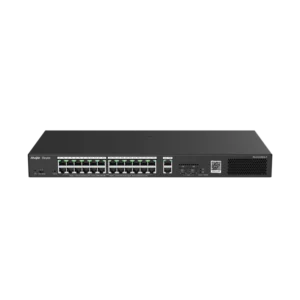
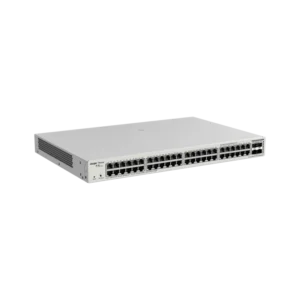
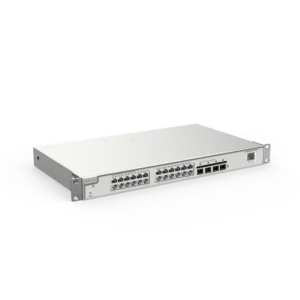
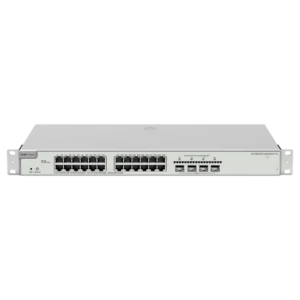
UNIVIEW 4 Port 2 Uplink Port PoE Switch Unmanaged
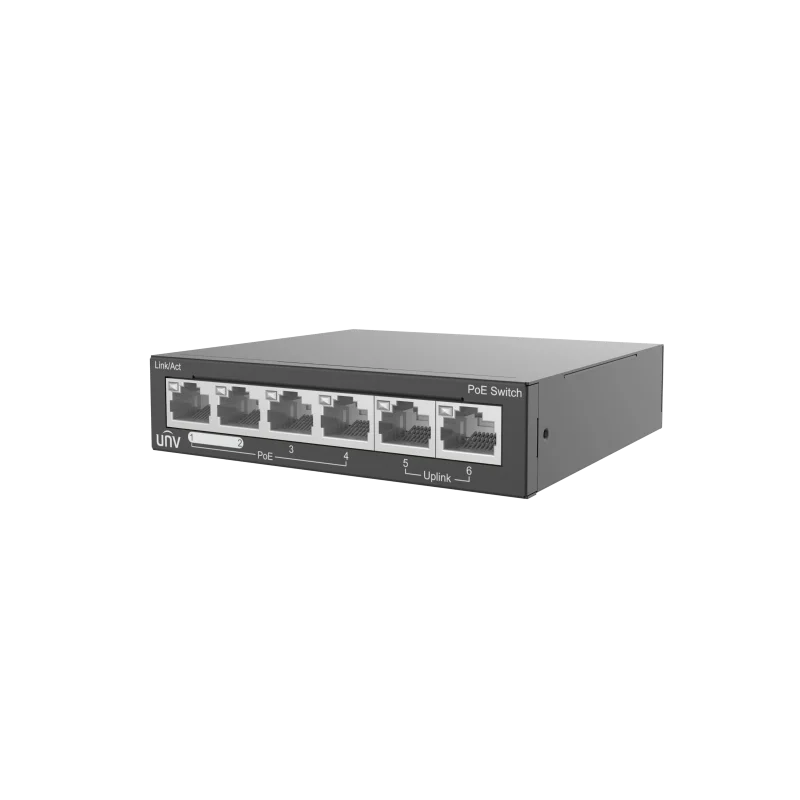
The UNIVIEW 4 Port 2 Uplink Port PoE Switch is an unmanaged Power over Ethernet switch for building and extending wired networks. It combines four PoE ports for powered devices with two uplink ports for connecting to the rest of the network. It is a straightforward networking product for users who need reliable connections and power delivery without the complexity of a managed switch.
Key features
- Four PoE ports for powering network devices over standard Ethernet cable
- Two uplink ports for connecting the switch to a larger network
- Unmanaged design, so no configuration is required for basic operation
- Plug-and-play setup for quick installation
- Brand: UNIVIEW
- Article number: UN-NSW2020-6T-POE-IN
How PoE works
Power over Ethernet allows a single cable to carry both data and electrical power. The switch supplies power to compatible devices on its PoE ports, so cameras, wireless access points and similar equipment can be installed where a power outlet is not available. This reduces cabling work and makes it easier to place devices at the best position for coverage.
Typical uses
- IP camera networks for security and surveillance
- Wireless access points in offices and public spaces
- Small business and branch office networks
- Retail and hospitality locations needing extra network ports
- Expanding an existing network with additional connection points
Installation and planning
Before installing the switch, check how many devices need power and how far they are from the switch. Use the uplink ports to connect the switch to the main network, keeping the PoE ports for end devices. Because the switch is unmanaged, it suits networks where traffic management and security settings are handled elsewhere, such as at a router or firewall.
Plan cable runs within the standard Ethernet length limits and keep the switch in a well-ventilated location. Label ports and cables to make future maintenance easier.
Who it is for
The switch suits installers, IT staff and system integrators who need a simple, dependable way to add PoE devices and network ports. It is a practical choice for both new installations and upgrades to existing networks.