TRUVIEW HDMI Type A to Type A Cable, 1.5 m to 20 m
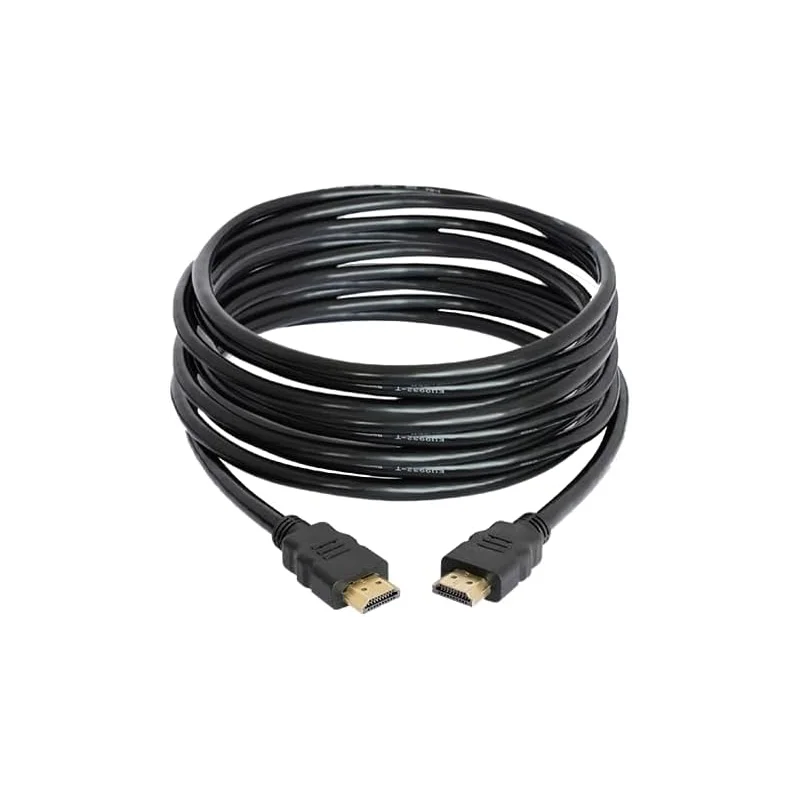
The TRUVIEW HDMI Type A to Type A cable is a straightforward HDMI connection cable for linking audio and video equipment. It uses the full-size Type A connector at both ends, which is the connector found on most televisions, monitors, projectors, games consoles, Blu-ray and streaming devices, set-top boxes and computers. Because both ends are the same, you can connect the cable in either direction between a source and a display.
What HDMI does
HDMI, short for High-Definition Multimedia Interface, carries digital video and audio signals over one cable. Using a single lead instead of separate video and audio cables keeps installations simpler and reduces the number of cables behind a television or desk. HDMI is the usual way to connect modern video equipment, so a cable of this type is one of the most common accessories in home and office setups.
Available lengths
The cable is listed in five lengths: 1.5 metres, 2 metres, 5 metres, 10 metres and 20 metres. Choose the shortest length that comfortably reaches between your devices, with a little slack for tidy routing. For a wall-mounted television with a media box on a shelf, 2 metres or 5 metres is often enough. For a projector at the back of a hall or a display across a room, the 10 metre or 20 metre option gives more reach.
Key features
- Type A full-size HDMI connector at both ends
- Single-cable connection for digital video and audio
- Available in 1.5 m, 2 m, 5 m, 10 m and 20 m lengths
- Suitable for connecting sources such as Blu-ray players, games consoles and set-top boxes to a display
- Presented by the supplier as a premium HDMI cable
Typical uses
- Connecting a games console or streaming device to a television
- Linking a laptop or computer to a monitor or projector
- Setting up a home cinema or media cabinet
- Presentations and meeting rooms with a display screen
- Replacing a damaged or worn HDMI lead
Choosing the right length
Measure the route between your devices before you order. Include the height of any vertical runs and the space needed to bend the cable without kinking it. Allowing a little spare length makes it easier to move equipment for cleaning or maintenance. If you are running the cable through walls or ducts, measure carefully and check the route before fitting.
Practical notes
Plug the cable in fully at both ends and make sure the connectors match the ports on your equipment. Avoid sharp bends near the connectors, and do not pull on the cable itself when disconnecting. Keep the cable clear of heat sources and heavy loads, and store spare lengths loosely coiled rather than tightly wound.