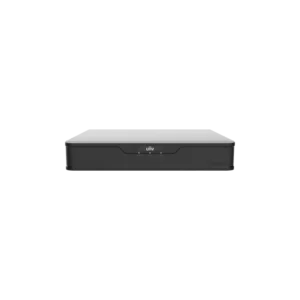
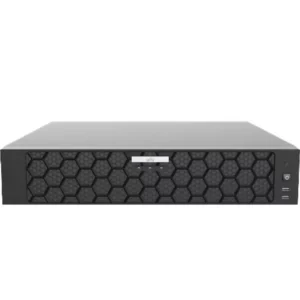
UNIVIEW NVR 16 CH 1 SATA Interface Mini
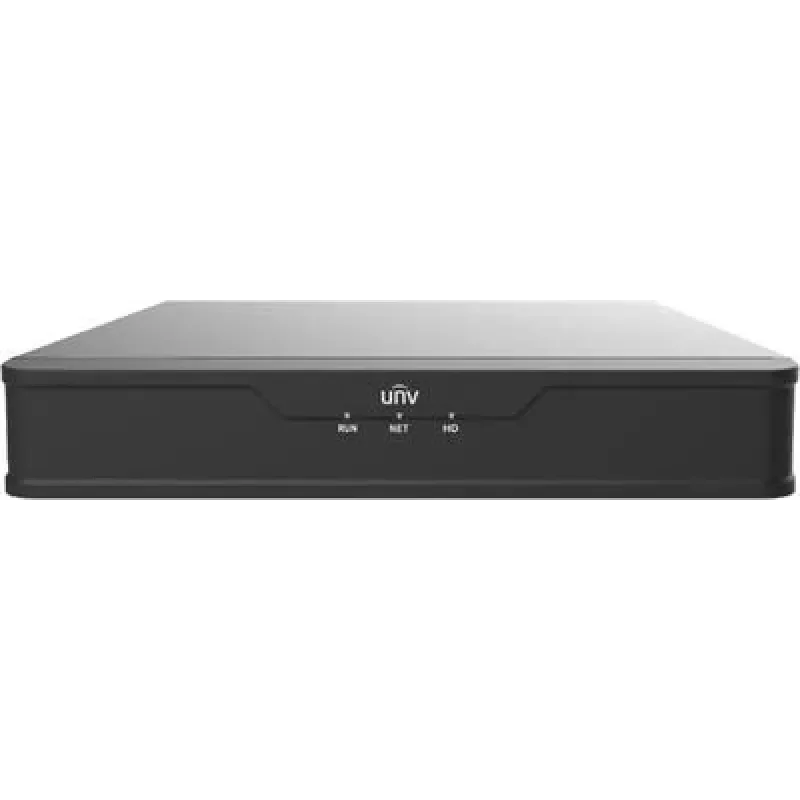
The UNIVIEW NVR 16 CH 1 SATA Interface Mini is a network video recorder designed for closed-circuit television, or CCTV, systems that use IP cameras. Instead of recording to a traditional analogue recorder, an NVR collects digital video streams over the network and stores them on a drive. It is a central point for recording and reviewing footage from multiple cameras.
What the name means
The product is described as a 16-channel unit. A channel is one camera input, so the recorder can accept video from up to sixteen cameras. The description also states one SATA interface. SATA, short for Serial ATA, is the standard connection for internal storage drives, so this model has room for one drive to hold the recordings. The word mini refers to the compact size of the unit.
Key features
- 16 channels for connecting up to sixteen IP cameras
- 1 SATA interface for one internal storage drive
- Compact mini design for limited spaces
- Network video recorder for digital CCTV systems
- Part of the UNIVIEW security product range
Typical uses
This recorder suits small and medium-sized sites that need to record several cameras in one place. Typical locations include shops, offices, restaurants, small warehouses, storage rooms and reception areas. Because it is compact, it can also be placed in a cabinet or on a shelf near the network switch and power supply.
Installers may choose this type of unit when they want to keep the recording equipment close to the cameras and the local network, so that the cables stay short and the system is easy to maintain.
Installation considerations
Before installing the recorder, check that the cameras you plan to use are compatible with the UNIVIEW NVR platform. Make sure the network switch and the cameras are on the same network segment, and that the recorder has adequate ventilation, as storage drives can warm up during long recording periods.
Fit a suitable SATA hard drive for the amount of footage you need to keep. The available storage time depends on the drive capacity, the number of cameras, the video resolution and the recording settings. Plan the drive size with these factors in mind.
Support and documentation
The description does not list every technical specification, such as maximum resolution, bandwidth, supported camera models, operating system or warranty terms. For these details, consult the manufacturer’s datasheet or user manual before purchase or installation. A qualified installer can help you confirm that the recorder meets the requirements of your site.