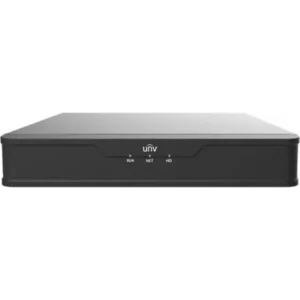
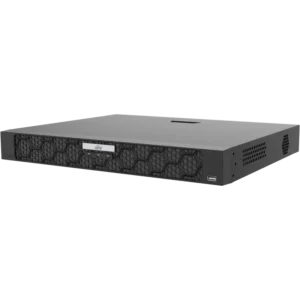
UNIVIEW NVR PRIME 64-CH 8 SATA Bay NON: Network Video Recorder for CCTV Systems
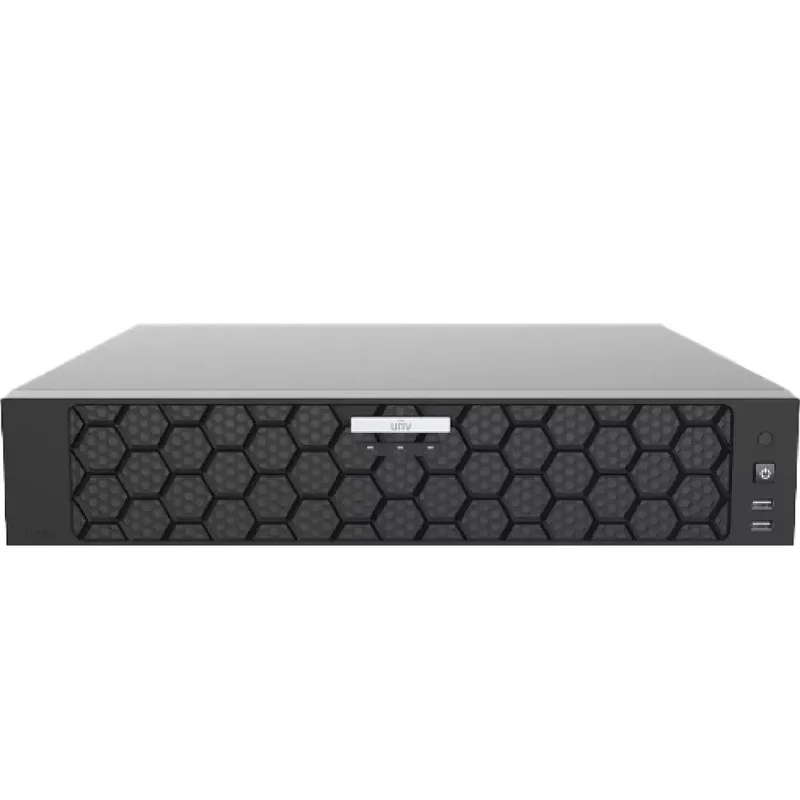
The UNIVIEW NVR PRIME 64-CH 8 SATA Bay NON is a network video recorder (NVR) built for CCTV systems that use IP cameras. An NVR receives the video streams from network cameras, records them to internal storage and makes the footage available for live viewing and playback. This model is a larger unit intended for systems with many cameras, and it is part of UNIVIEW’s PRIME range of recorders.
Unlike an analogue DVR, an NVR works with digital network cameras. Each camera sends its video over the network to the recorder, which is why the number of channels and the storage capacity are the main points to plan around.
Key features and specifications
- Brand: UNIVIEW
- Product line: NVR PRIME
- Channels: 64 (CH)
- Hard drive bays: 8, for SATA (Serial ATA) drives
- Application: CCTV video surveillance
- Product type: Network video recorder (NVR)
Channels and camera capacity
The 64-channel rating means the recorder can accept video from up to 64 network cameras. This makes it suitable for large sites such as multi-building campuses, industrial estates, logistics centres and shopping areas. For smaller systems, a unit with fewer channels may be a better fit, so match the channel count to your current camera count plus room for expansion.
Storage with SATA bays
The eight SATA bays accept Serial ATA hard drives, which store the recorded footage. Total recording time depends on the number and size of drives fitted, the video resolution and frame rate of the cameras, and the recording mode you choose. Before purchase, estimate the storage you need for the number of days of footage you want to keep. Drive capacity is a separate purchase and is not included with the recorder unless stated in the order.
Typical uses
- Recording and monitoring footage from many IP cameras in one central system
- Security for offices, warehouses, factories and retail premises
- Monitoring car parks, perimeters and entrances on larger sites
- Expanding an existing CCTV network that needs more storage and channels
Installation and planning
Connect the NVR to the same network as your cameras and allocate a stable IP address. Plan the network bandwidth, since many high-resolution streams running at once need enough capacity. Fit and format the hard drives before recording starts, and check that the drives are rated for continuous use in a recorder. Keep the unit in a ventilated, secure location where it is protected from dust, heat and unauthorised access.
Maintenance
Check the recorder and its drives regularly, review the recording status and keep the firmware up to date as recommended by the manufacturer. Back up important footage to a separate location if your procedures require it.