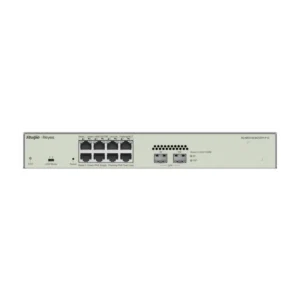
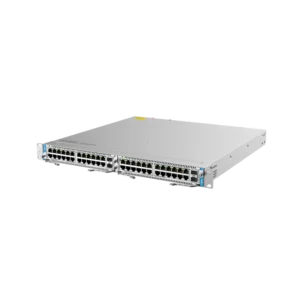
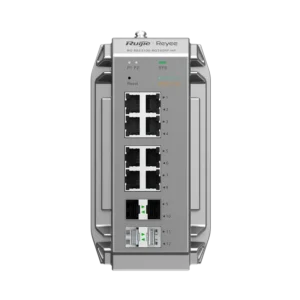
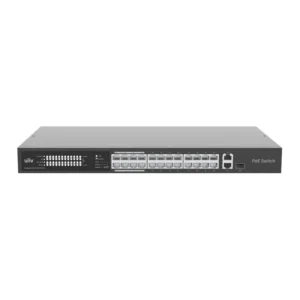
Tenda 5 Port Desktop Switch: Expand Your Wired Network
The Tenda 5 Port Desktop Switch is a compact networking device for anyone who needs more wired connections than their router or existing switch provides. It belongs to the Networking range and is designed as a desktop unit, so it can be placed on a desk, shelf or cabinet next to the equipment it serves. Its five ports allow several devices to connect to the same local network from a single uplink.
What a Desktop Switch Does
A network switch receives data from the devices connected to it and forwards that data to the correct destination on the local network. Unlike a simple hub, a switch directs traffic to the port where it is needed, which keeps the network organised as more devices are added. A five port desktop switch is ideal when you have a handful of devices that need wired access in one location.
Key Features
- Five ports for connecting computers, printers, network storage and other wired devices
- Compact desktop design that suits offices, homes and workstations
- Works as an expansion point for an existing router or switch
- Simple setup with standard network cables
- Part of the Tenda networking range
Typical Uses
The Tenda 5 Port Desktop Switch is commonly used in home offices where a desktop computer, a printer and a media device all need wired connections. It is also suitable for small businesses that need a few more network sockets at a reception desk, in a meeting room or at a workstation. Students, creative studios and shared work areas can use it to give several people wired access without installing additional sockets.
In a typical setup, the switch is connected to the router or to an existing network socket using a standard cable. Each device is then plugged into one of the remaining ports. Because the switch is small and placed on a desk or shelf, installation is quick and does not require specialist tools or a server rack.
Placement and Installation
Choose a location that is dry, well ventilated and close enough to the router or network outlet for your cables to reach. Leave some space around the switch so air can circulate. Keep cables tidy and label them if you have several devices, which makes future changes easier. If the network is expanding, you can connect additional switches to the spare capacity of this unit, although the number of devices you can add depends on your overall network design.
Who It Is For
This switch suits people who want a dependable, simple way to add wired connections without a complicated installation. It is a practical choice for anyone who has run out of ports on a router, or who prefers a wired connection for stable performance on computers and other fixed equipment.
For questions about compatibility with your specific router or network layout, check the product details and your existing equipment before ordering.