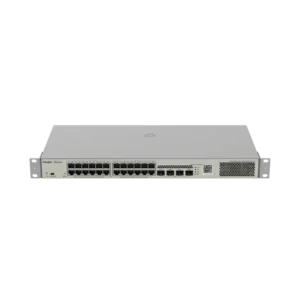
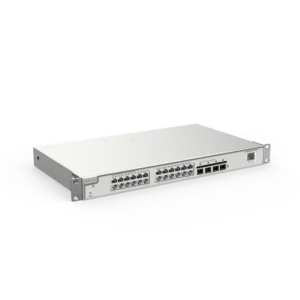
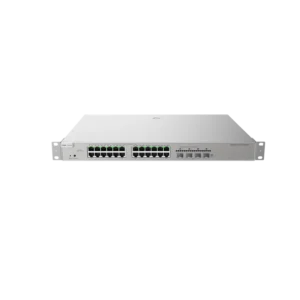
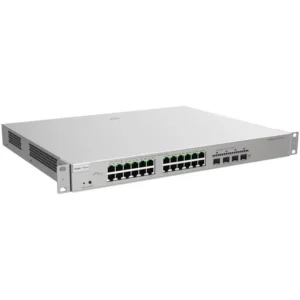
Tenda 8 Port Desktop Switch Gigabit: Simple Wired Expansion for Small Networks
The Tenda 8 Port Desktop Switch Gigabit is a network switch for anyone who needs more wired connections than their router or access point can provide. It belongs to the switch category of networking equipment and is intended to be used on a desk or shelf close to the devices it connects.
A network switch works as a central point for local network traffic. Each cable plugged into one of its eight ports can carry data to another device on the same network. Adding a switch lets several computers, printers, storage devices and other wired equipment communicate without needing a separate router port for each one.
Key Features
- Eight network ports for connecting multiple wired devices
- Gigabit ports for fast local data transfers
- Desktop design for placement on a desk, shelf or cabinet
- Suitable for small networks, home offices and shared workspaces
- Brand: Tenda
Specifications
The supplier description confirms eight ports and Gigabit capability. For details such as the exact power supply, housing dimensions, operating temperature range, warranty period and package contents, please refer to the product packaging or the manufacturer documentation before purchase.
Typical Uses
The switch can be used in many everyday and professional situations where wired connections are needed. Common examples include:
- Home offices with a desktop computer, a laptop dock, a printer and a network storage drive
- Small businesses where staff workstations and a shared printer need to be connected
- Study areas, classrooms and shared workspaces with several wired devices
- Home entertainment setups with a smart TV, media player and games console
- Temporary networks for events, workshops or project rooms
Setup and Placement
Place the switch on a flat, stable surface with enough space around it for air to circulate. Connect it to your router or another network point using a network cable, then plug the other devices into the remaining ports. Power on the unit and check that the port lights show activity for each connected device. A switch of this type usually works without manual configuration, but check the packaging for any specific instructions.
Choosing This Switch
Consider how many devices you need to connect now and how many you may add later. Eight ports leave room for growth in a small network, while a desktop form keeps the setup simple. Make sure your network cables and devices use compatible connectors, and check that your existing router can share its connection with the switch.
The Tenda 8 Port Desktop Switch Gigabit is a practical choice for expanding a small wired network without adding complexity.