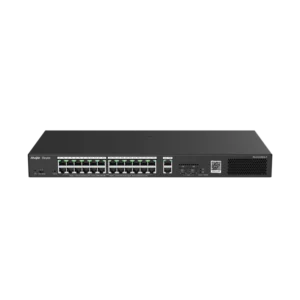
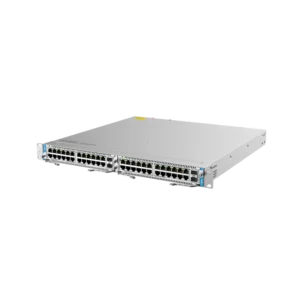
Ruijie RG-NBS5200-24GT4XS 24-Port L2+ Managed 10G Switch
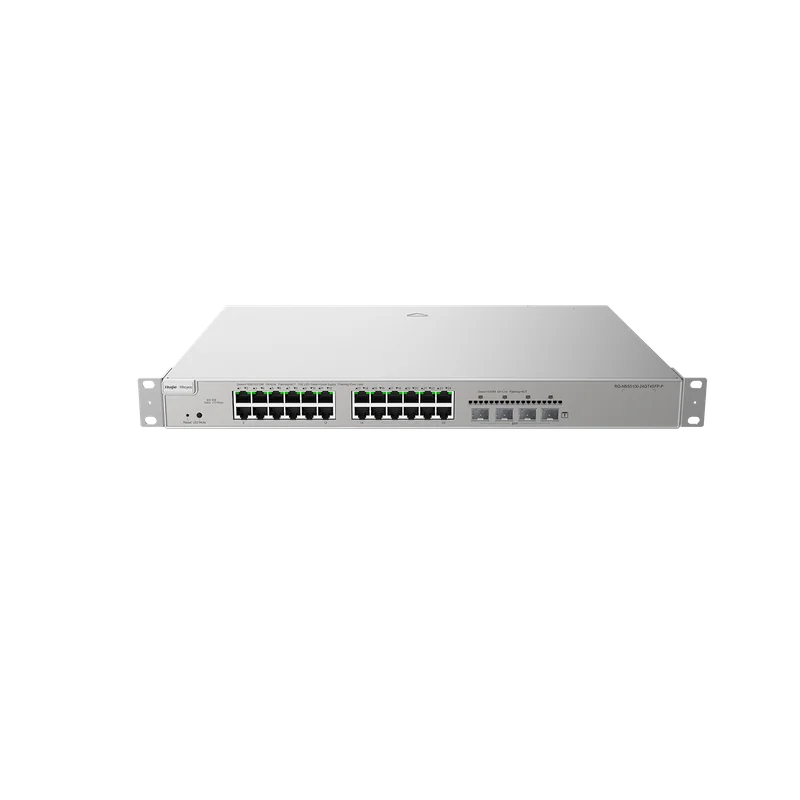
The Ruijie RG-NBS5200-24GT4XS is a 24-port L2+ managed switch from the Ruijie networking range. It is aimed at businesses, schools and organisations that have outgrown unmanaged switches and want a managed device with faster uplinks for connecting to a core network, servers or other switches.
Key features
- 24 gigabit access ports for connecting workstations, phones, access points, cameras and other network devices
- 10G uplink capability for faster links to a backbone, server room or aggregation switch
- L2+ managed functionality, giving administrators control over network configuration and monitoring
- Suitable for rack-mounted installation in a wiring cabinet or comms room
Managed switching explained
A managed switch can be configured rather than simply plugged in and left alone. Administrators can divide the network into logical segments, which keeps guest devices, office computers and equipment such as cameras or building systems apart. They can also check port status, which helps locate faults quickly when a cable or device stops working.
The L2+ designation means the switch supports a set of Layer 2 management functions together with some basic Layer 3 capabilities. For many sites this offers a useful middle ground: more control than an entry-level managed switch, without the complexity of a full routing platform.
Why 10G uplinks matter
Access ports running at gigabit speed are suitable for most desktop and office use. When many of those ports are busy at the same time, or when the switch connects to a server, storage system or another busy switch, a single gigabit link can become a bottleneck. Higher-speed uplinks give the network more room to grow, so the wiring closet does not become the limiting factor as more users and devices are added.
Typical uses
- Office and workgroup networks where a number of computers, printers and phones share one switch
- Schools and training rooms with many wired workstations
- Wiring cabinets that aggregate several floors or buildings
- Surveillance and building networks that need separation of traffic and clear monitoring
- Server and storage connections that benefit from faster uplinks
Installation and planning
Before installation, it is worth mapping out which devices will connect, how many ports are needed now and how the network should be divided. A network technician can then set up VLANs, uplink ports and management access so that the switch fits the site. Adequate ventilation, a stable power supply and tidy cable management help keep the equipment running reliably in a cabinet.
Who it suits
This switch suits IT staff, system integrators and resellers who need a managed 24-port switch with 10G uplink capability for a business network. It is a practical choice where wired connections must be organised, monitored and expanded over time.