AJAX Smart Bracket for MotionCam: Mounting Accessory for AJAX Alarm Systems
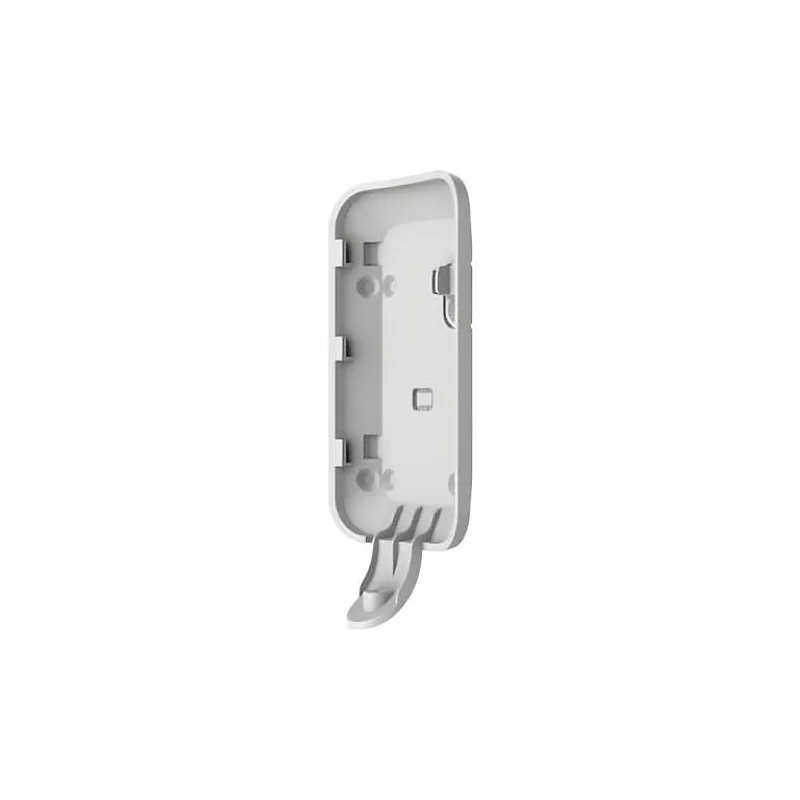
The AJAX Smart Bracket for MotionCam is a dedicated mounting accessory for the AJAX MotionCam detector. Sold under article number A-SMARTBRKMOTIONCAM, it is intended for installers, security professionals and property owners who use AJAX wireless alarm components and want a secure, purpose-made way to fix a MotionCam in place.
Good placement is one of the most important factors in any intrusion detection setup. A detector mounted at the right height and angle sees the areas it is meant to protect, while one placed poorly can leave gaps. A bracket made for the device helps you position it deliberately and keep it stable once installed.
Product overview
This bracket is the official accessory designed for the MotionCam. It is part of the AJAX product family, which is built to work together as a wireless system, so it is intended to be used alongside other AJAX components rather than as a standalone item.
Key features
- Designed specifically for the AJAX MotionCam
- Provides a dedicated mounting point for the detector
- Part of the AJAX wireless alarm accessory range
- Helps with consistent and stable positioning of the device
- Sold under article number A-SMARTBRKMOTIONCAM
Specifications
- Brand: AJAX
- Compatible device: AJAX MotionCam
- Product type: Smart bracket, mounting accessory
- Article number: A-SMARTBRKMOTIONCAM
For detailed dimensions, fixing hardware, materials and colour options, please refer to the manufacturer documentation supplied with the product or available from AJAX.
Typical uses
The bracket is most often used when installing a MotionCam for the first time. Installers can use it to set the detector at the intended height and angle before fixing it permanently. It is also useful when relocating an existing detector, for example after a change of room layout or after deciding that a different viewing angle would give better coverage.
Property owners who maintain their own AJAX system may use the bracket when adding a detector to an extended area. Businesses with several sites can use the same accessory across installations to keep the look and placement of their detectors consistent.
Installation tips
- Confirm that the bracket matches your MotionCam model before purchase
- Plan the detector position so that the intended area is clearly covered
- Follow the AJAX installation guidance for height, angle and fixing
- Test the detector after mounting to check its coverage and communication with the hub
Why choose a dedicated bracket
Using an accessory designed for the device avoids improvised fixings that may not hold the detector securely or align it correctly. A purpose-made bracket supports a tidy installation and makes it easier to adjust or service the detector later.
Whether you are completing a new AJAX alarm system or upgrading an existing one, the Smart Bracket for MotionCam is a simple, targeted accessory that helps you get the most from your MotionCam detector.