AJAX Wireless Manual Callpoint (Red)
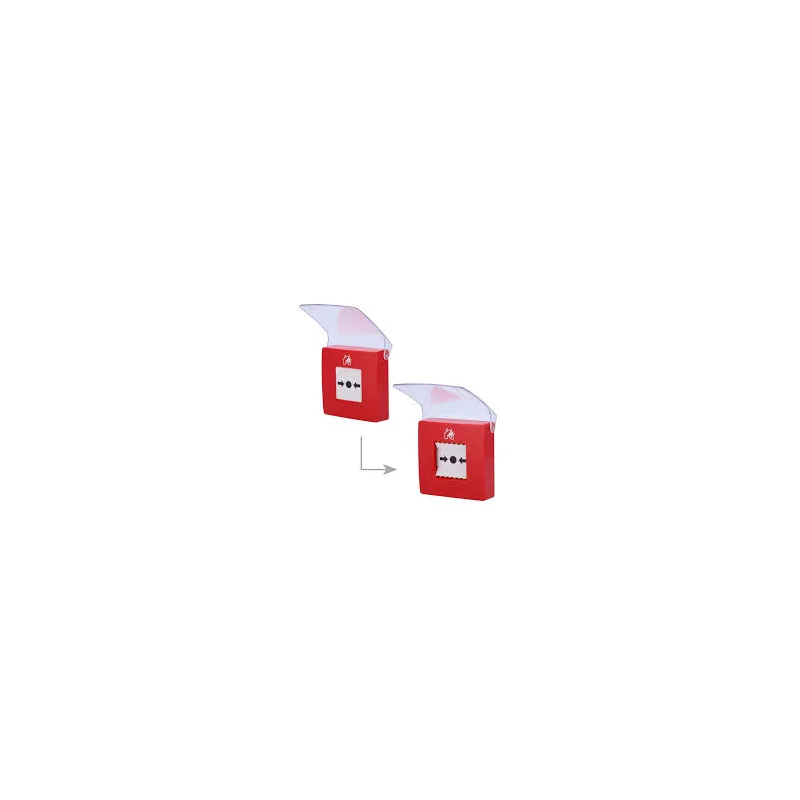
The AJAX Wireless Manual Callpoint (Red) is a wireless manual alarm point from the AJAX range of security components. It is designed for people who need a clear, direct way to trigger an alarm by hand. Its red colour makes it easy to identify, and it can be installed as part of a wider AJAX wireless alarm system.
Manual callpoints, sometimes called panic buttons, are an important part of many security and safety plans. Rather than waiting for a motion sensor or door contact to detect a problem, a person who sees a threat can act immediately. The AJAX callpoint offers this function without the need for fixed cabling between the device and the rest of the system.
Key features
- Wireless operation, so no cable runs are needed between the callpoint and the alarm system
- Red housing for quick recognition in an emergency
- Manual activation by pressing the button by hand
- Part of the AJAX wireless alarm ecosystem, for use with compatible AJAX hubs and components
- Suitable for mixed installations where other AJAX sensors, keypads and detectors are already in place
Typical uses
The callpoint suits a wide range of sites. In offices and commercial premises, it can be placed at reception, near exits or beside staff workstations, so that an alert can be raised quickly if there is an intruder, a medical emergency or another incident. In schools, shops and community buildings, it can support staff in situations where a discreet or immediate alarm is needed.
In homes, a wireless callpoint can be placed near a bedroom, a staircase or an entrance, giving residents a simple way to call for help. Because it does not need wiring, it is also useful in buildings where fixed installation is difficult, such as older properties, rented premises or temporary sites.
Installation and integration
The callpoint is intended to be used as part of an AJAX system. Before installation, check that the AJAX hub and other components in the system are compatible with this device. Position the callpoint at a height and location that is easy to reach and clearly visible, and make sure it is protected from rain and moisture if it is fitted outdoors. Test the device after installation and periodically thereafter to confirm that the alarm is triggered correctly.
Why choose this product
The AJAX Wireless Manual Callpoint (Red) combines a simple manual alarm function with the flexibility of wireless installation. It is a sensible choice for anyone building or extending an AJAX security system who needs a dependable way for people to raise an alarm by hand. Its clear red finish supports quick use, and its wireless design keeps installation tidy and adaptable as the needs of a site change.
For full technical specifications, such as battery type, range, and environmental ratings, please refer to the manufacturer documentation supplied with the product.