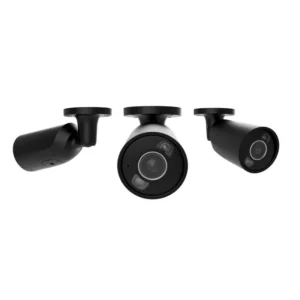
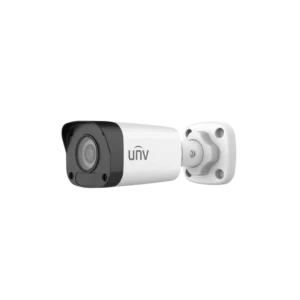
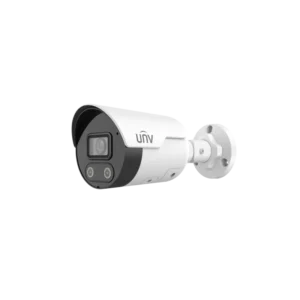
UNIVIEW IPC2314LE-ADF40-KM-WP BULLET ULTRALOW 4MP 4MM MIC Bullet Camera
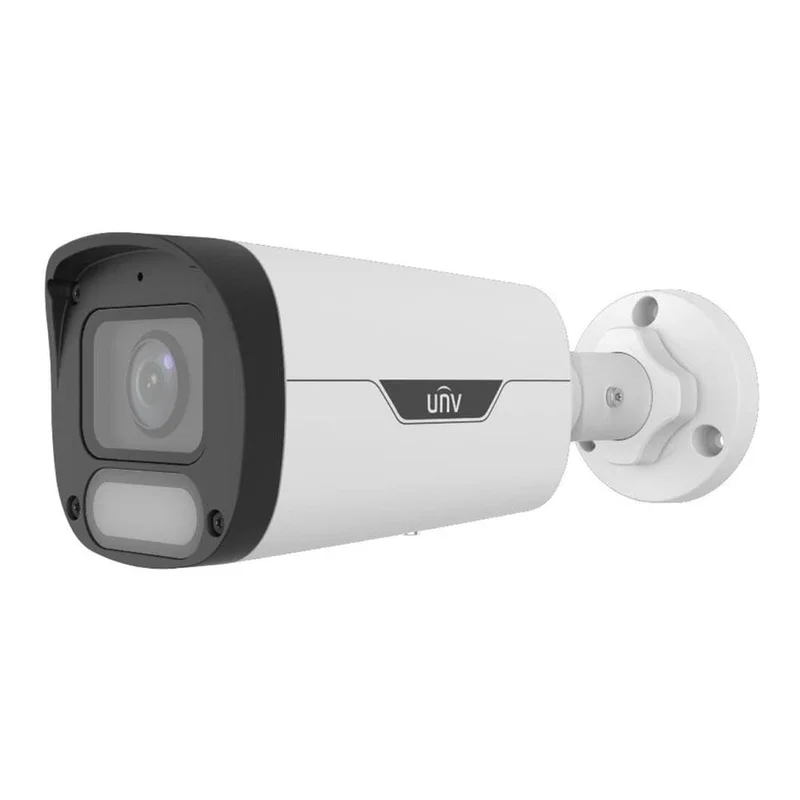
The UNIVIEW IPC2314LE-ADF40-KM-WP is a 4MP bullet camera from the Ultralow series. It combines a visible bullet housing, a 4mm fixed lens and an ultralow light design, making it suitable for general outdoor and indoor-facing surveillance where a clear, long-view image is needed.
Key features
- 4 megapixel (4MP) image resolution for sharp detail
- 4mm fixed lens for a wide, consistent field of view
- Bullet housing, a recognisable and visible camera shape
- Ultralow light design for usable images in low light conditions
- MIC model, indicating a built-in microphone for audio capture
- Part of the UNIVIEW Ultralow product range
Image quality and low light performance
Image quality depends on the scene, the lighting and the settings chosen in the recording system. The 4MP sensor gives more detail than standard resolution cameras, so people, vehicles and fine objects are easier to identify in the recorded footage. The ultralow light design is intended for scenes where light is limited, such as the edges of car parks, rear yards, alleys and gardens after dusk. For the best results, position the camera so that the main subject is lit by existing lamps or sensible external lighting, and avoid pointing it directly at strong light sources.
Lens and field of view
The 4mm lens is a fixed focal length, which means the camera does not zoom. The angle of view is wider than a telephoto lens, so the camera can cover a larger area from one position. Plan the mounting height and angle so that the important zones, such as entrances, gates or parking spaces, fall within the frame at a distance where detail is still useful.
Audio
The MIC designation in the model name points to a version with a built-in microphone. Sound can be recorded with the video if the network recorder or management software supports audio. Audio recording may be subject to local rules, so check the legal requirements in your area before enabling it.
Installation
Bullet cameras are normally wall or bracket mounted. Choose a solid mounting point that is out of easy reach, and run the cable in a protected route. Fix the camera at an angle that avoids pointing it straight into the sun or into bright floodlights, as this can reduce image quality. Connect the camera to a compatible recorder or network switch, and set up viewing and recording through the software supplied with your system.
Typical uses
- Monitoring driveways, car parks and yards
- Covering building entrances, side doors and external walls
- Warehouses, loading bays and storage areas
- Schools, offices and small commercial premises
- Residential properties and gardens
- Expanding an existing UNIVIEW or other IP CCTV system
Who it is for
The camera suits installers, facilities managers and homeowners who want a visible, durable camera with good resolution and low light capability. It is a sensible choice when a wide view is needed from a single point and when an audio-capable model is preferred.
Before you buy
Confirm that your recorder or software supports 4MP IP cameras and the video compression format used by the model. Check power requirements, cable runs and mounting accessories with your installer. If you need detailed technical data such as exact sensitivity, power consumption or dimensions, consult the manufacturer’s full datasheet, as these details are not included in the product summary.