



UNIVIEW IPC3614LE-ADF28KC-DL 4MP ColorHunter Turret IP Camera
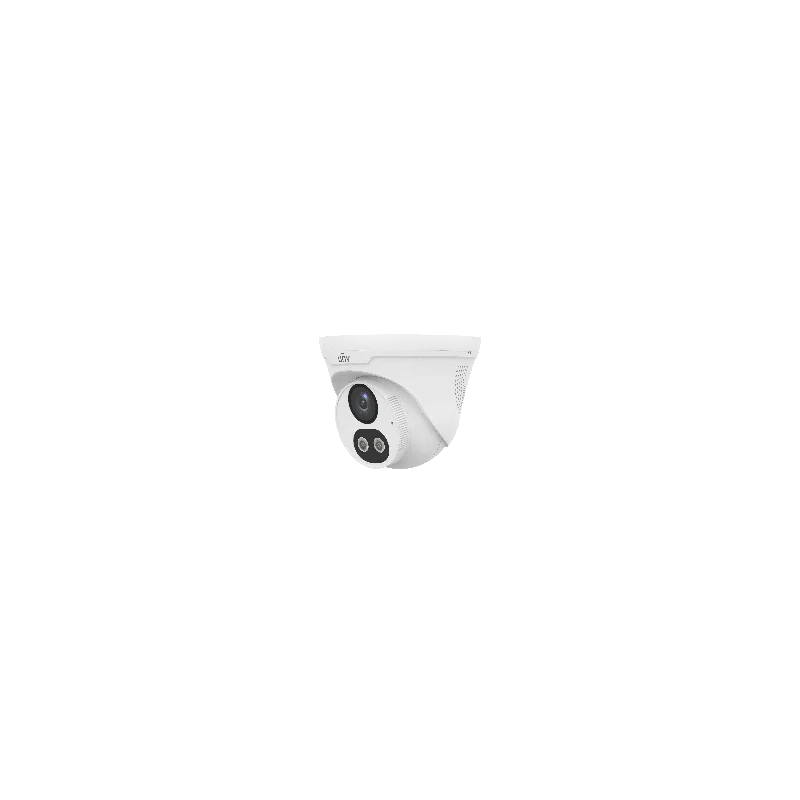
The UNIVIEW IPC3614LE-ADF28KC-DL is a turret IP camera with 4 megapixel resolution and a 2.8mm lens. It belongs to the ColorHunter series from UNIVIEW, a brand known for network video surveillance products. The camera is designed for installers and end users who need dependable video monitoring with a clear, compact design.
Key features
- 4 megapixel (4MP) image resolution for detailed footage
- 2.8mm fixed lens for a wide field of view
- Turret housing for ceiling or wall mounting
- ColorHunter series, designed for colour imaging in challenging light
- IP camera design that sends video over a network
What 4MP resolution means
Megapixels describe the number of pixels in each image. A 4 megapixel camera captures roughly four times as many pixels as a standard 1 megapixel camera. In practice, this means more detail in the recorded picture. When you zoom in on recorded footage, faces, text and small objects are easier to make out. Higher resolution also gives you more room to crop an image without losing too much quality.
Understanding the 2.8mm lens
The focal length of a camera lens determines how wide or narrow the view is. A 2.8mm lens is a wide-angle option. It captures a broad scene, so one camera can cover a large area such as a reception desk, a corridor, a storeroom or a parking bay. Wide-angle lenses are useful when you want to cover more ground with fewer cameras. Keep in mind that objects further away appear smaller, so plan the placement so that important areas are within clear view.
Turret design
Turret cameras have a compact, rounded body that mounts directly to a ceiling or wall. The shape makes them discreet and less obvious than some other camera styles, which many customers prefer for indoor use. The mounting is generally straightforward, and the camera can be aimed to the area you want to watch.
Network connection
As an IP camera, this model connects to a local network using a standard network cable. Video is sent to a network video recorder, a recording server or video management software. From there, you can view live footage, review recordings and search for events. Because the camera uses a network connection, it can be accessed from different locations on the same network, subject to the settings of your installation.
Typical uses
- Office and reception area monitoring
- Retail shops and showrooms
- Warehouses and storage rooms
- Corridors, stairwells and entrances
- Small business and home security systems
Installation tips
Choose a mounting position that gives a clear view of the area you want to protect and avoid pointing the lens directly at strong light sources, which can reduce image quality. Plan cable routes before mounting, and make sure the network switch or recorder you use can supply the camera with the power and bandwidth it needs. Test the view and image quality before finishing the installation.
Before you buy
Check the full technical specifications from the manufacturer, including power requirements, operating conditions and supported software, to confirm the camera fits your system. If you are combining it with other UNIVIEW products, confirm compatibility with your recorder or software first.
