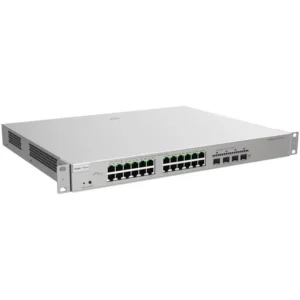
UNIVIEW 16 Port 2 Uplink Port PoE Switch Unmanaged
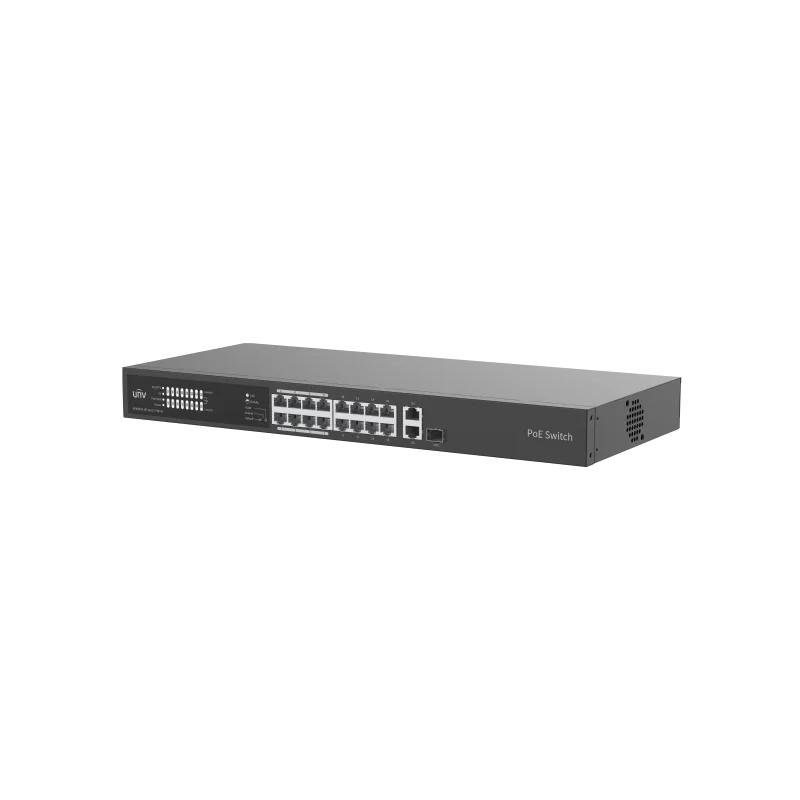
The UNIVIEW 16 Port 2 Uplink Port PoE Switch is an unmanaged Power over Ethernet switch. It brings together 16 PoE-enabled ports for connected devices and 2 uplink ports for linking the switch to the wider network. It is designed for installers and businesses that need reliable connections for cameras, access points and other network equipment without the complexity of a managed switch.
Unmanaged switches are built for ease of use. There is no web interface to configure, no VLANs to set up and no management software to maintain. You connect the cables, power the unit and the switch handles traffic automatically. This keeps installation time short and reduces the need for specialist network knowledge on site.
Key features
- 16 PoE ports for powering compatible devices over Ethernet
- 2 uplink ports for connecting to a router, core switch or other network segment
- Unmanaged operation with no configuration required
- Plug and play installation
- Suitable for mounting in a network cabinet or rack in a suitable location
Power over Ethernet
PoE allows a single Ethernet cable to carry both data and electrical power. This is useful for IP cameras, wireless access points, VoIP phones and similar devices that are installed away from a power outlet. Using PoE can cut cabling costs, shorten installation time and make it easier to move or add devices later. Before connecting, check that each powered device is compatible with PoE and that the total power demand fits within the switch’s power budget.
Uplink connectivity
The two uplink ports let you connect the switch to the rest of your network. A typical setup uses one uplink to reach a router or core switch, with the second available for redundancy or for linking a second switch. The uplink ports keep the access ports free for end devices, so the switch can serve as a central point for a group of cameras or workstations.
Typical uses
- IP camera networks for CCTV and security systems
- Wireless access point deployments in offices and public areas
- Office networks where phones and computers share a single cabinet
- Small business and retail sites that need a simple, expandable switch
- Remote or distributed sites where powered devices must be connected without local outlets
Installation tips
Place the switch in a dry, ventilated location with enough space for airflow, and keep it away from heat sources. Use good quality Ethernet cabling and keep cable runs within the recommended length for your network standard. Label each port so that devices are easy to identify later. Check the device data sheet for exact port speeds, power budget and mounting options before installation.
Why choose this switch
This switch suits anyone who needs a dependable, low-maintenance way to connect a group of network devices. Its combination of PoE ports and uplinks makes it a practical choice for surveillance, office and small commercial networks. It is part of the UNIVIEW range, so it can be combined with compatible cameras and other products from the same brand.